

TourBox NEO – Custom Controller for Photo Video Editing, Color Grading, Illustration, MacOS/Windows, Photoshop Lightroom Davinci Resolve After Effects Premiere Final Cut Pro Programmable Keyboard
$169.00
Related Products





Product Description
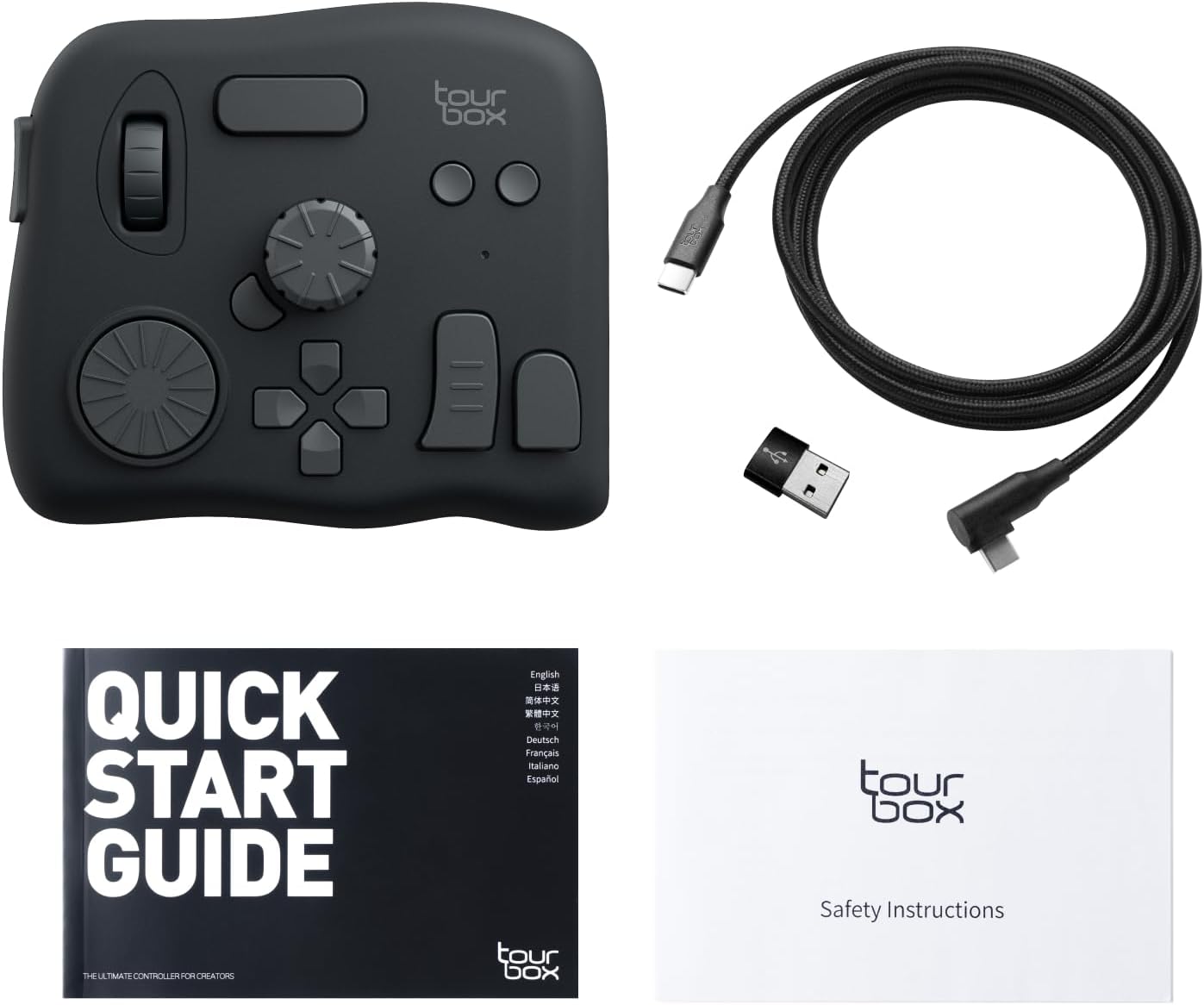
TourBox NEO: The Ultimate Console for Creators
The video showcases the product in use.The video guides you through product setup.The video compares multiple products.The video shows the product being unpacked.


1 NATURAL TIMELINE CONTROL
2 CREATE YOUR DYNAMIC PANEL
3 ONE KNOB ADJUSTS BRUSHES
4 ACCESSIBLE TOOLBOX
5 CONTROL THE CANVAS


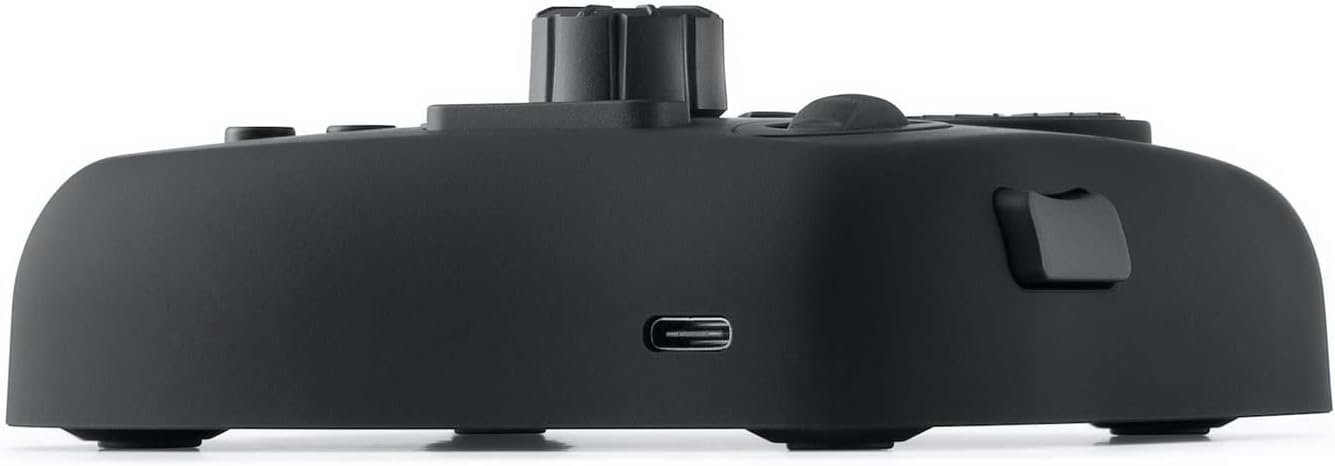
TourBox NEO is wired version. Not support wireless connection. Only compatible with [ macOS and Windows ]. NOTE: the following models (Elite, Lite and NEO) do not support iPadOS or AndroidOS devices, such as iPad or Android drawing tablets.
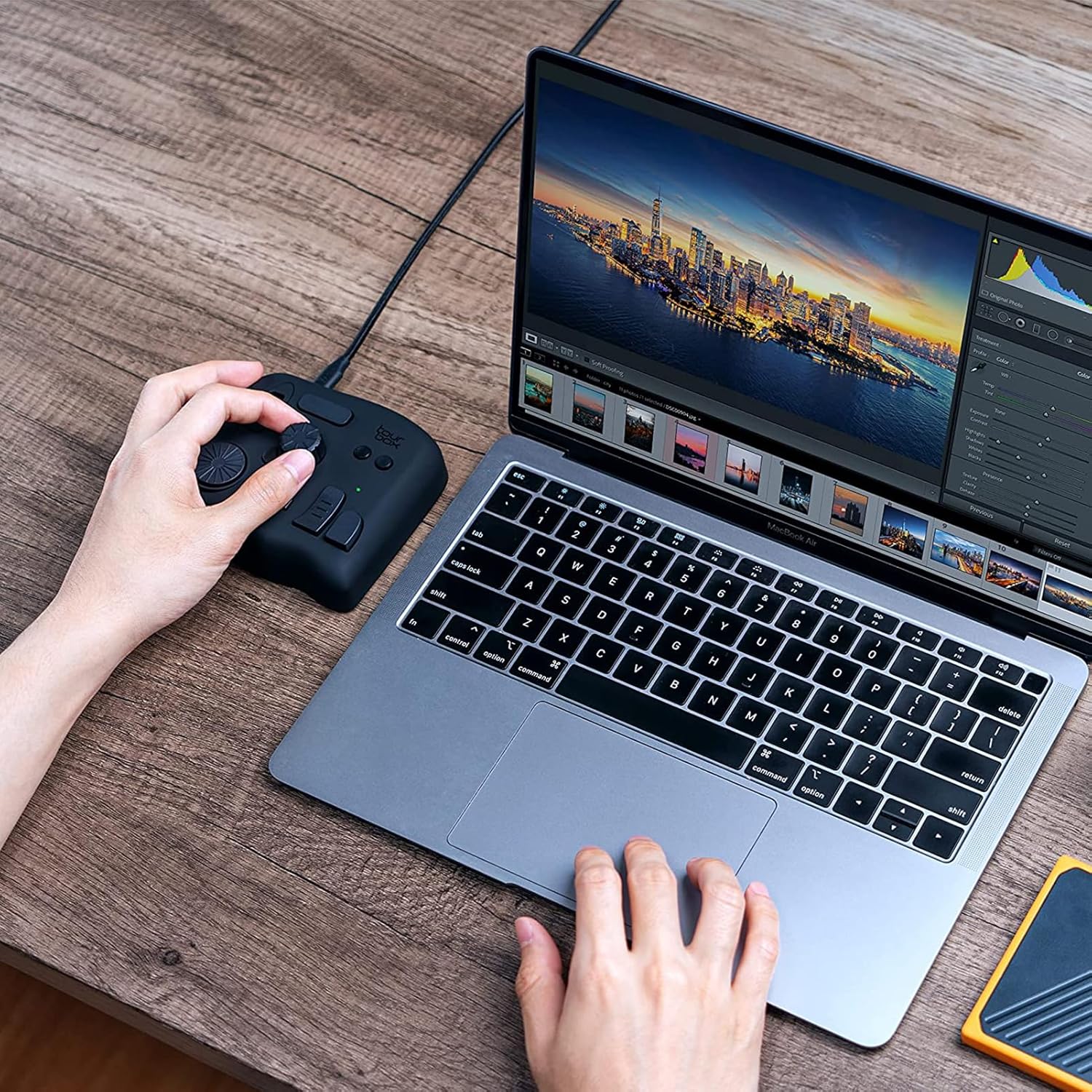
ENTRY-LEVEL CREATIVE SOFTWARE CONTROLLER: Speed up and elevate content creators’ experience in drawing, photo retouching and color enhancement, and video editing with color grading. It simplifies the creative process, making it more efficient and seamless
EXTENSIVE COMPATIBILITY: Supports creative software like Photoshop, Lightroom, Capture One, Premiere Pro, Final Cut Pro, DaVinci Resolve, Clip Studio Paint, SAI, Camera Raw, AutoCAD, Blender, and more
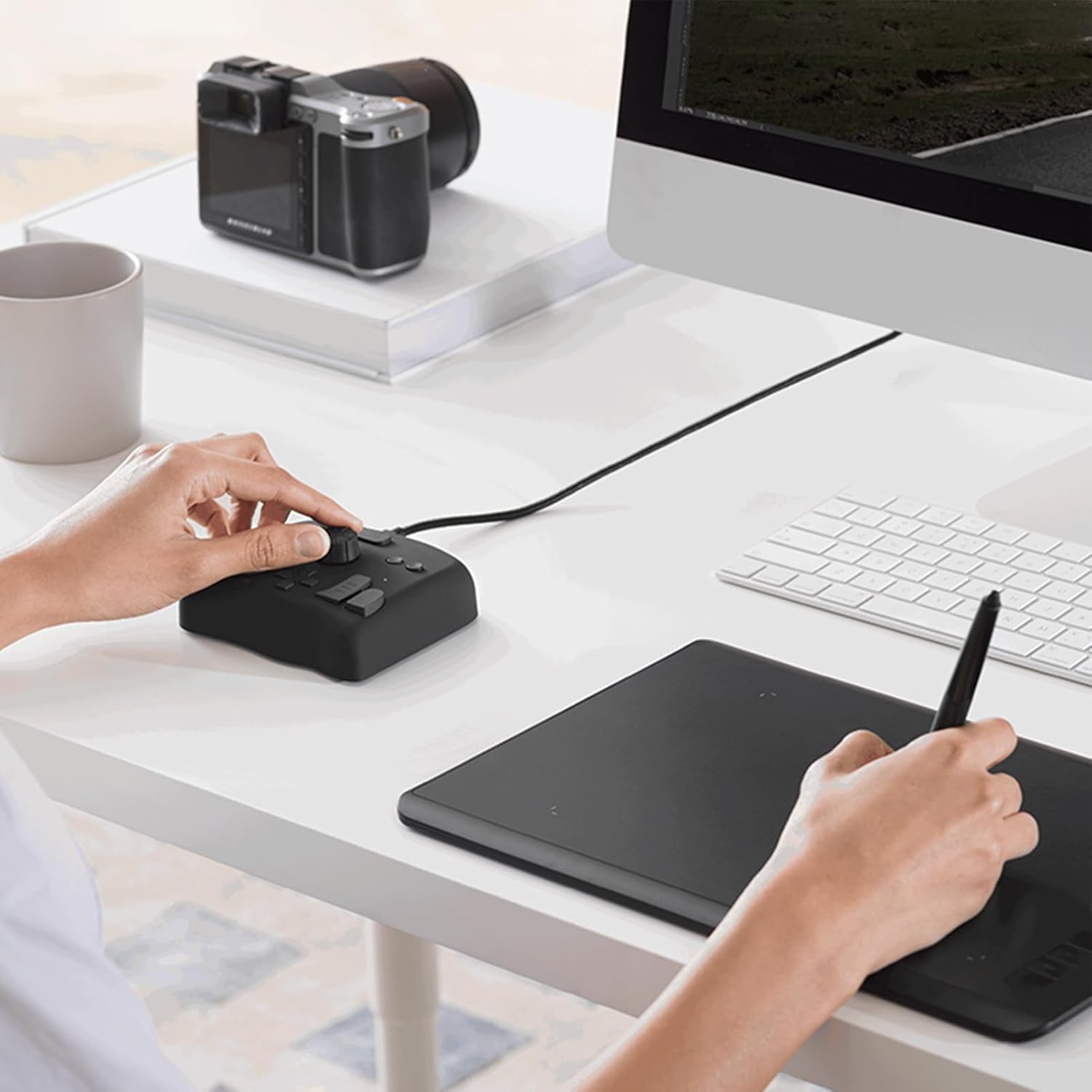
MUST-HAVE DRAWING ASSISTANT: For novices and professionals. Seamlessly supports graphics tablets and pen displays. Use the same knob to manage brush parameters like size, flow, opacity, hardnes, canvas rotation, movement, zooming, and tool switching
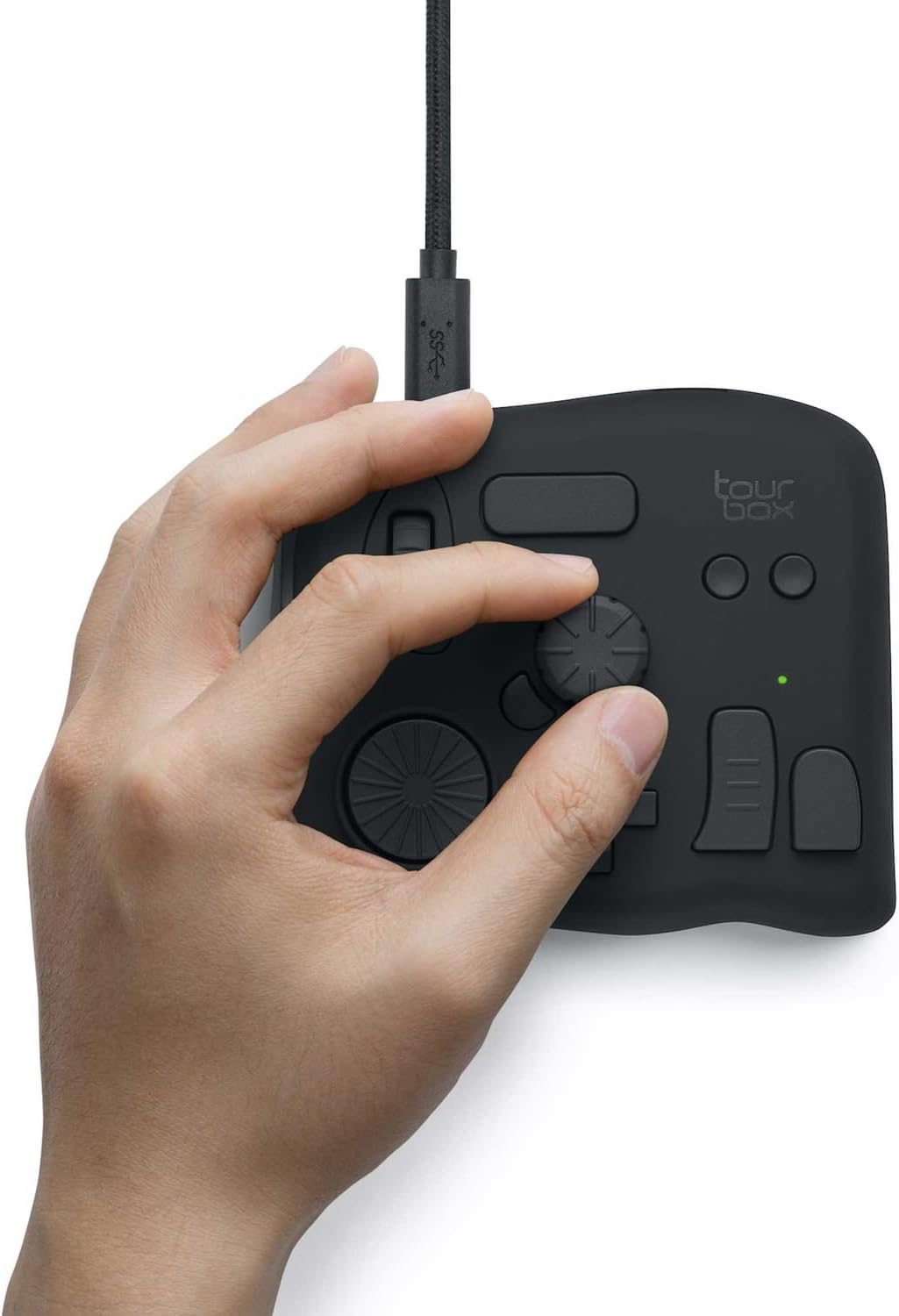
FOR PHOTOGRAPHY POST-PROCESSING: The unique button layout and updated screen menu allow one-handed control of image selection, color grading, and adjustments. The dial simplifies image selection, while the knobs provide precise color control
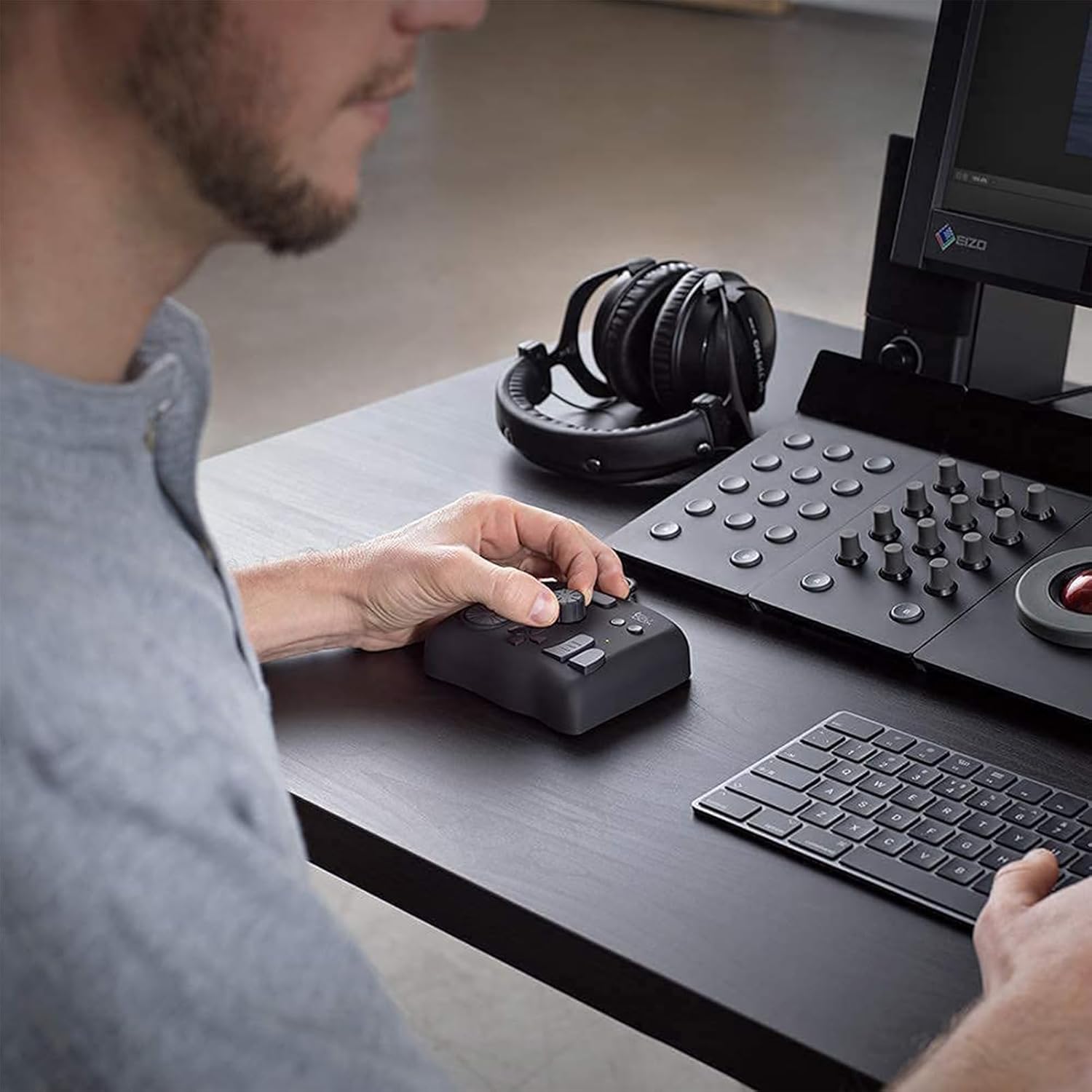
INTUITIVE VIDEO EDITING & COLOR GRADING: With a dial, knobs, and scroll wheel inspired by over 1,000 editors, gain precise and intuitive control over your timeline. Our exclusive panel makes color adjustments simpler and more intuitive
9 reviews for TourBox NEO – Custom Controller for Photo Video Editing, Color Grading, Illustration, MacOS/Windows, Photoshop Lightroom Davinci Resolve After Effects Premiere Final Cut Pro Programmable Keyboard
Add a review

$169.00
Charlie Miller –
Great addition to my workflow.
I received this as a birthday present, and I love it! I use it with Adobe premiere pro, as well as a few other pieces of software. It works flawlessly with premier, and I can see where, as I get used to it, it will significantly speed up my workflow. It was very easy for me to adjust and change a few settings in the standard layout, and they can be customized to your heart desire. Iâm really glad to have this as a part of my workflow for video editing now.
Bob Tobias –
I’ve tried plenty editing controllers, this is the best!
Please accept my apologies in advance for this long review. I have much to say, and I hope it will help you avoid some of my false starts.Iâm a big fan of using hardware interfaces (control surfaces) with creative apps like Photoshop and Premier Pro. Making adjustments while focusing on the screen makes editing more enjoyable and much faster.Iâve used several different devices before this Tourbox. In each case, the time savings justified buying the device after a few hours of use.I eventually re-bought a Tourbox (“re-bought” is a mystery that will be solved if you read to the end) after Logitech abruptly announced ending support for their products. Without the announcement, I probably would have continued to use the Loupedeck, but now Iâm grateful for the motivation to change!The Tourbox is, by far, the best control surface Iâve used. The controls are less âfiddleyâ than my Loupedeck Live or, for that matter any of the devices Iâve used.Itâs also more compact than either my old Loupedeck+ or even older Behringer X-Touch Mini Universal USB Controller. It can sit comfortably next to my keyboard rather than taking up half my desk.Installation was truly plug-and-play. With the other devices Iâve used, I had to install plug-ins and connectors with many of the apps I was using. With the Tourbox, either they werenât needed, or it was done for me. All I know is that I could use it with apps like Lightroom, Photoshop, and Adobe Premier Pro immediately after plugging it in.The Tourbox device is both compact, about 4â x 4-1/4â x 1-1/2â and massive, around 3/4 lbs. It sits firmly on its four silicon fee. That is in sharp contrast to my Loupedeck Live, which would slide around almost on its own.An added benefit is that the button/knob placement allows me to use it one-handed, without taking my eyes off the screen. It comes preconfigured with presets for the apps I frequently use. And, I can change any of the controls easily if I choose. For example, Iâve set the same knob to adjust volume and mute with a press across all apps. Iâve also assigned another knob to allow me to jog through audio/video playback or pause/resume with a press, regardless of what app is currently playing the media.By way of history, Iâve been using control surfaces for media content creation for about 15 years. I started âon the cheapâ trying to repurpose multi-button mice by programming keyboard shortcuts myself.I soon realized that for media manipulation, some form of variable control, things like knobs or slicers, was needed. Still trying to save money, I bought a Behringer X-Touch Mini Universal USB Controller. It wasnât bad, and profiles were already developed for some popular applications.My next âmoveâ was to get something purpose-built. So, in 2019 I bought two devices, a Loupedeck+ and, wait for itâ¦, a Tourbox Neo. I was drawn in by the vast swath of knobs and switches provided by the Loupdeck, so I kept it and returned the Tourbox.The Loupdeck+ worked well for a few years, right up until it didnât. The software started to fail. Also, what started as a set of impressive, dedicated controls became annoying as applications evolved.Next came the Loupedeck Live. I figured that the digital display would allow the device to keep pace with application changes. However, the downsides were a lack of differentiation between controls; I couldnât operate the thing by touch, and the tiny knobs were a bit too fiddly.I would like to think that Iâve benefited (matured?) from my years of experience. Now I see the (relatively) few buttons/knobs on the Tourbox as a benefit. Each has a unique shape, and I can run everything without taking my eyes off the screen. They also provide a mechanism where the controls, individually or in combination, can perform hundreds of functions. Finally, there is a well-thought-out on-screen display of current control settings if I need a reference. Over time, that need disappears, and you can remove the display anytime.
T –
Awesome little input device.
Awesome little input device. It is easy to get addicted to learning, editing and streamlining the button assignments. It works with any application, even Microsoft Windows, Office, and Chrome. Don’t get hung-up on the application presets provided by the vendor. You’re better off configuring it to your own preferences.
alidan –
Exactly what I wanted with flaws
first, amazon wanted 3 ‘features’value for money, I hate how much this costs for what it is, its stupidly expensive, but its realisticly the only thing like it unless you want to roll dice on 30$ china things.ease of use, it took restarting and installing the software upwars 30 times each in total to get it to work, and then it locked the pc up till unplugged, another 30 restarts and installs to get it working and now its fine, this was a nightmare to get working.light weight, light weight is not a feature of this product, it’s nice and heavy so where you put it down it stays while using the dial and knob.now, this sees more use outside of art programs than inside, its FAR nicer to use this than my mouse for scrolling websites, zooming in and out, among other commands. the software is very good, it recognizes that you will likely screw up on the dials which way you want things to go, so its a 1 button flip. half a turn of the dial or knob is I believe 16 button pressesthe bad, the software, when it works its good, had a habit of not seeing the device, despite the computer seeing it.also, you have full mapping for the wheel and for the knob, but there are no modifiers for the dial, which I honestly find weird how that was overlooked. I also wonder why not every key can be modified, take for instance the knob, turning it left and right is one set, then you have 4 more sets with the wide buttons, but pressing the dial only has one hotkey and no modifiers effect it. or the two circle buttons have the buttons below it to modify it, but the one above the knob or on the side don’t. the tour button, the one on the side of the knob, that looks like it could easily be modified, is not modifiable.these limits don’t bother me too much, as I can compartmentalize what im doing/using the tourbox for into hotkey sets, but I would love to see instead of what I assume being the developers/makers best idea for how the thing will be used and only making hotkeys for that, let me do whatever stupid hotkey set I want. I use this with both right and left hand I could more easily with my right hand use my pinky and hit those circle buttons with the side and top modifier than I can the ones to the right of the dpad.Overall, this is a product that once you use it, there is no going back, and there is for the most part no alternative for. possibly with a touch screen you would have a diminished use for this, but as far as im aware thats only on screens that cost in the neighborhood of 2000$ at the moment.
ã¤ãã –
åãã¯å·®ãè¾¼ãã§ãç¡åå¿ã§ãã©ã¤ããã¤ããã«éé»ãã¦ãããæªããã£ãã§ãã調ã¹ãªããè²ã ã¨è©¦è¡é¯èª¤ãããã®ã®æ¹åãããªãã£ãã®ã§ãtourboxã®ãµãã¼ãã«è©¦ããäºãå«ãã¦é£çµ¡ããã¨ããã15åã»ã©ã§ä¸å¯§ãªè¿ä¿¡ãããããã£ã¨ããéã«æ¹åããã¾ãããæ示ãããå 容ããè¡ãéã«æ³¨æãã¹ããã¤ã³ããªã©ãæ·»ãããã¦ããããã³ãã¬ã¼ã対å¿ã§ã¯ãããã¡ãªæ¢ã«è©¦ããäºãå度æ示ãããç¾è±¡ããªããããã¡ãã¨ãã¡ãã®æé¢ãèªãã§ã1対1ã®ä¸å¯§ãªå¯¾å¿ãããã¦ãããã¦ããæºè¶³æãããã¾ãããç²¾å¯æ©å¨ã®è³¼å ¥ã¯æ±ºãã¦å®ãè²·ãç©ã§ã¯ãªãçºãè²·ã£ãå¾ã«ä¸å ·åããã£ããã©ãããããã¨ããä¸å®ã¯ã¤ãã¾ã¨ãã¾ããä¸å¯§ã«å¯¾å¿ãã¦ããããã¢ãã¿ã¼ãµãã¼ããããã¨ããã®ã¯ãããã ãã§å¤§ããªã¢ããã³ãã¼ã¸ã ã¨æãã¾ãã製åã®ä½¿ãå¿å°ã«ã¤ãã¦ãè¯å¥½ãä¸å¤®ã®ãããé«ãã¦è§¦ãã¦ãã¾ã£ã¦èª¤æä½ã¯ãããããããèªåã¯å¥ã®ãã¿ã³ãæ¼ãè¾¼ã¿ãªããåãè¨å®ã«ãã¦ãã¾ããããªãç´°ãã調æ´ã§ããã®ã§ããããã¦å¿ç¨ãå©ãã®ããããæ¤ åããã¹ã¯ã®é«ãã座é«ã«ãã£ã¦ã¯ãæ¬ä½ã®é«ãåãæé¦ã®è§åº¦ãã¤ãã¦è¾ãæããæ¹ãããããããã¾ãããããããæ¹ã¯çæç¨ã®ãªã¹ãã¬ã¹ããå¥éè³¼å ¥ããã¨ãããã¨æããã¾ããéã«æ¤ åãä½ãã£ãããèç½®ãã®é«ãã調æ´ã§ããªãã¿ã¤ãã®æ¤ åã ã¨ãªã¹ãã¬ã¹ãã使ç¨ããå ´åãèãæµ®ãã¦ç²ããå ´åãããã¾ããä¸åº¦æ¬è£½åã ãè³¼å ¥ãã¦ä½¿ç¨ãã¦ã¿ã¦ããããªã¹ãã¬ã¹ããæ¤è¨ããã¨ãããã¨æãã¾ãã
emad syami –
اÙظ٠جÙاز تØÙÙ Ù Ù٠رÙØ Ø¹Ù Ùا ÙÙ Ùذا اÙجÙاز اÙجبار Ø Ø§ÙادÙÙ Ùبرا٠ج اÙØ±Ø³Ù Ø Ø§Ø´ØªØ±Ùا ÙÙا تترددÙا
Bruno Romariz –
Comprei o TourBox Neo como uma alternativa mais barata ao SpeedEditor do Davinci Resolve.Mas estava preocupado se ele seria capaz de cumprir bem essa tarefa. E depois que consegui configurá-lo corretamente, ele não só conseguiu, como superou minhas expectativas!Ele é altamente personalizável através do software TourBox Console, permitindo a configuração de atalhos simples (com 4 opções de atuação) e também a combinação de teclas, mas principalmente possibilitando um ajuste fino (com 3 nÃveis de intensidade do Scroll, do Knob e do Dial), funcionando muito bem no Davinci Resolve, seja para navegar nas Timelines frame a frame ou um para um movimento mais acelerado, e ele consegue fazer isso de maneira fluida e natural.Ele também é capaz de exibir um HUD em overlay exibindo os atalhos configurados caso seja necessário.O tamanho é compacto, e o design é versátil, e o acabamento é agradável, podendo ser utilizado tanto com a mão esquerda quanto com a direita conforme a preferência.Além disso ele tem a vantagem de poder ser utilizado em diversos cenários não se limitando ao programa A, B ou C, e ainda tem a opção de alternar entre perfis automaticamente.Recomendo utilizar com um apoio de pulso para ficar nivelado e mais confortável para longos perÃodos de uso.Obs: estou utilizando no Win11 v.24H2 e a versão do TourBox Console é a v5.7.4Pontos Negativos:os cliques não são silenciosos e são um pouco duros, mas nada demais.esse modelo não possui Bluetooth, ficando limitado a utilização com fio.
Stauffenberg –
Habe mir das Teil gekauft, weil ich weder an der Tastatur, noch am Hotas Warthog (Joystick/Schubregler) Drehregler habe.Installieren ist problemlos und das Programm öffnet sofort in Deutsch.Die Belegung der Drehregler und Tasten ist simpel und selbsterklärend.Einsatzmöglichkeiten nahezu unbegrenzt:Höhenmesser einstellen, Beleuchtung des Cockpits, Lautstärke der Funkgeräte, Reichweite des Radars etc.Es gibt 3 Einstellungen für die Feinheit Drehregler.Falls man eine feinere oder gröbere Einstellung wünscht.Für die Höhenmesser in der A-10 und Hornet lässt sich der Luftdruck so präzise einstellen.Durch unterschiedliche Formen der Drehregler und Tasten ist das Gerät auch blind zu bedienen.Also ideal geeignet, wenn man den Feind nicht aus den Augen verlieren darfâ¦..Eine ideale Ergänzung zum Elgato Stream Deck!
Antonio Ruiz –
buen producto, funciona bastante bien buen tamaño